Signature to SVG converter
Drop a photo or scan of your signature. You get one black shape on a transparent background.

Drop a photo or scan of your signature, or click to select
- Input
- A photo or scan: JPG, PNG, WebP, GIF, BMP or AVIF.
- Output
- One black shape on a transparent background, as SVG.
- Large images
- Worked on at up to 2048 pixels on the longest side.
- Account
- Sign-in required. Free accounts have a small weekly allowance.
How it works
Sign in with a free account, then drop a photo or scan of your signature on the upload box. Before anything is uploaded, your browser evens out the light on the paper and separates the ink from it. It then makes a copy with black ink on a transparent background. That copy is what you see in the box and what gets traced.
The tracer turns the ink into one black shape. Loops in the letters stay see-through, so the signature works on any background. The conversion starts as soon as you pick the file. When the SVG appears, download it.
Example
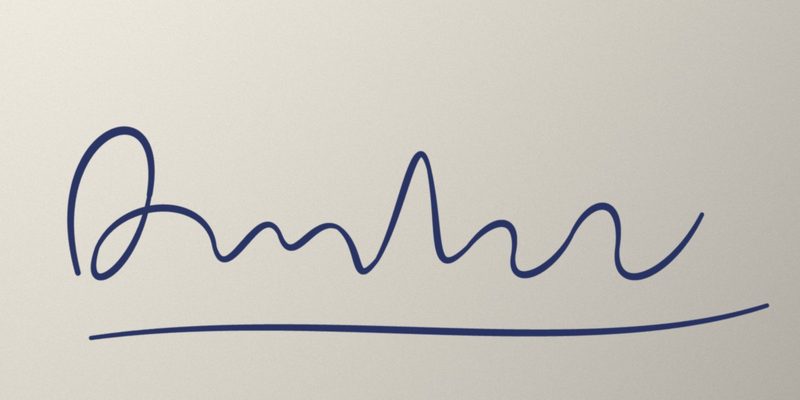
Before: Photo, JPG, 1600 × 800 pixels, 110 KB, blue ink on paper with uneven light.
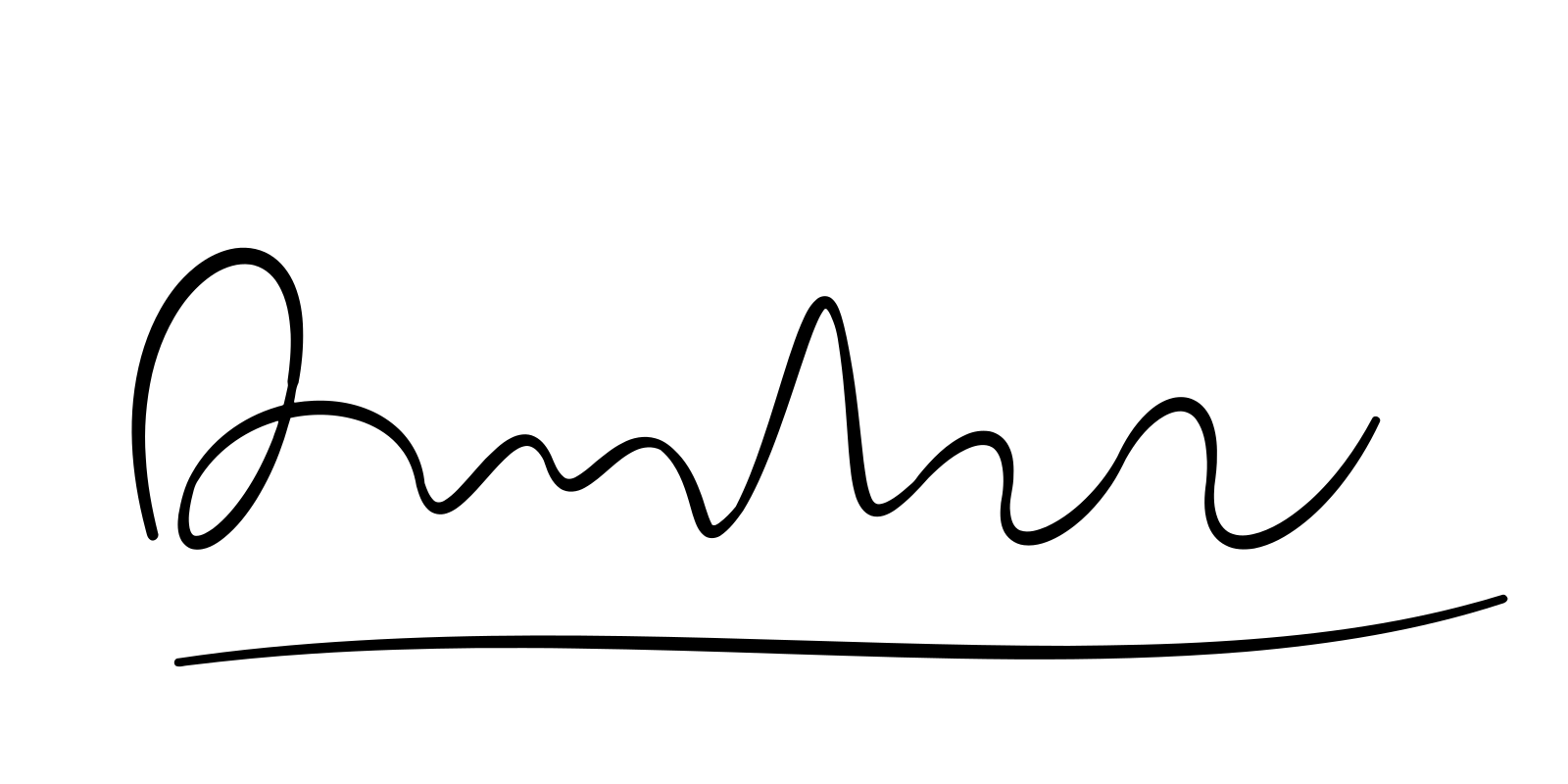
After: SVG, 5.3 KB, one black shape, transparent background.
Tips for a clean result
- Sign on plain white paper with a dark pen. A felt-tip or gel pen gives a fuller line than a light ballpoint.
- Take the photo straight on, in even light, without your phone's shadow over the paper. The page evens out gradual shading, not sharp shadows.
- Crop close to the signature first. The SVG has the same size as your image, so empty paper becomes empty space around the signature.
- Anything as dark as the ink counts as ink: printed text, a stamp or a dark line on the paper ends up in the SVG. Faint ruled lines dropped out in our tests.
What you get
One path with one fill color, black, on a transparent background. To use another color, change that one fill in any vector editor or in the SVG code. Like any SVG, it stays sharp at any size, so the same file works in documents and on websites. Where an SVG isn't accepted, SVG to PNG makes a PNG that keeps the transparent background.
There is no text box on this page, so your signature is never sent to the AI redraw. It is only traced.
Your signature
The photo you pick stays in your browser. What is uploaded is the black-ink copy, and like every conversion on VectorArt.ai, it is stored with your account together with the SVG. Only convert a signature that is yours or that you have permission to use.
Questions
Can I vectorize a signature in Illustrator or Inkscape?
Yes. In Illustrator, use Image Trace in Black and White mode with Ignore White ticked, then Expand. In Inkscape, use Trace Bitmap in the Path menu with a brightness cutoff. In both you set the threshold by hand. This page sets it from your image.
Can I convert a PNG of my signature?
Yes. A PNG on white paper and a PNG that is already transparent both work. The page also takes JPG, WebP, GIF, BMP and AVIF.
Is it free?
You need a free account. Each conversion counts against its small weekly allowance, which the AI generator and the background remover share. The pricing page lists the paid plans.
Other converters
More SVG tools
SVG Editor
Full-featured SVG editing tools
SVG Background Remover
Remove or make backgrounds transparent
SVG Optimizer
Optimize and compress SVG files
SVG Color Editor
Edit and adjust colors in your SVG files
AI Image Vectorizer
Convert images to SVG with AI
AI T-Shirt Designer
Create your own t-shirt designs with AI
PNG to SVG with AI
Convert PNG images to SVG with AI
JPG to SVG with AI
Convert JPG images to SVG with AI
WEBP to SVG with AI
Convert WEBP images to SVG with AI
SVG to PNG Converter
Convert SVG files to high-quality PNG format
SVG to JPG Converter
Transform SVG files into JPG/JPEG format
SVG to WebP Converter
Convert SVG to WebP
Coloring Page with AI
Create a coloring page with AI
Vector Avatar with AI
Create a vector avatar with AI