
Drop your BMP here or click to select
- Input
- BMP files.
- Output
- An SVG file to download.
- Large images
- Traced at up to 2048 pixels on the longest side.
- Account
- Sign-in required. Free accounts have a small weekly allowance.
How it works
Sign in with a free account, then drop your BMP on the upload box. Your browser opens the bitmap and turns it into a PNG before uploading it, so a large, uncompressed BMP doesn't have to travel as it is. The PNG is traced into vector shapes as soon as you pick the file. When the SVG appears, download it.
Example
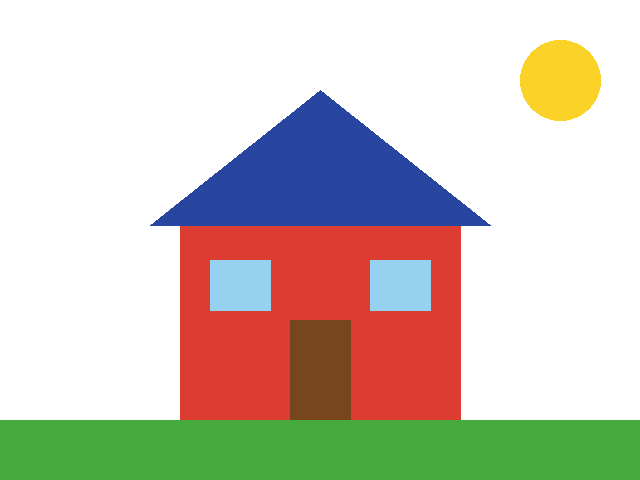
Before: 24-bit BMP, 640 × 480 pixels, 922 KB, drawn with hard pixel edges. Shown here as a PNG.
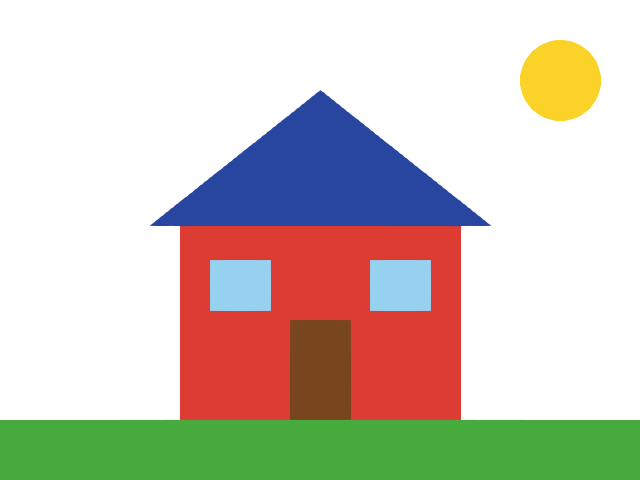
After: SVG, 5.4 KB, 7 shapes in 7 colors.
What to expect from a BMP
BMP files usually come from Windows Paint or from scanners. Drawings made in Paint have hard pixel steps along every edge. The tracer smooths those steps into straight lines and curves, as in the example above.
Most BMP files have no transparency, so a white background stays white in the SVG. To leave it out, use PNG to SVG with transparent background, which takes BMP files too.
Scans of photos and paintings trace into many small shapes, and the SVG can end up larger than you expect. Line art and flat colors give small files.
Questions
Can I convert BMP to SVG in Inkscape?
Yes. Import the BMP, select it, and use Trace Bitmap in the Path menu. It is built on Potrace and you set the thresholds yourself. This page does the tracing for you and picks the colors from the image.
Is the BMP to SVG converter free?
You need a free account, which has a small weekly allowance shared with the AI generator and the background remover. The pricing page lists the paid plans.
Other converters
More SVG tools
SVG Editor
Full-featured SVG editing tools
SVG Background Remover
Remove or make backgrounds transparent
SVG Optimizer
Optimize and compress SVG files
SVG Color Editor
Edit and adjust colors in your SVG files
AI Image Vectorizer
Convert images to SVG with AI
AI T-Shirt Designer
Create your own t-shirt designs with AI
PNG to SVG with AI
Convert PNG images to SVG with AI
JPG to SVG with AI
Convert JPG images to SVG with AI
WEBP to SVG with AI
Convert WEBP images to SVG with AI
SVG to PNG Converter
Convert SVG files to high-quality PNG format
SVG to JPG Converter
Transform SVG files into JPG/JPEG format
SVG to WebP Converter
Convert SVG to WebP
Coloring Page with AI
Create a coloring page with AI
Vector Avatar with AI
Create a vector avatar with AI